
Blogs
10 Prompts to Get the Most From Your AI Meeting Assistant
👤 Vikram Singh
Nov 19, 2025
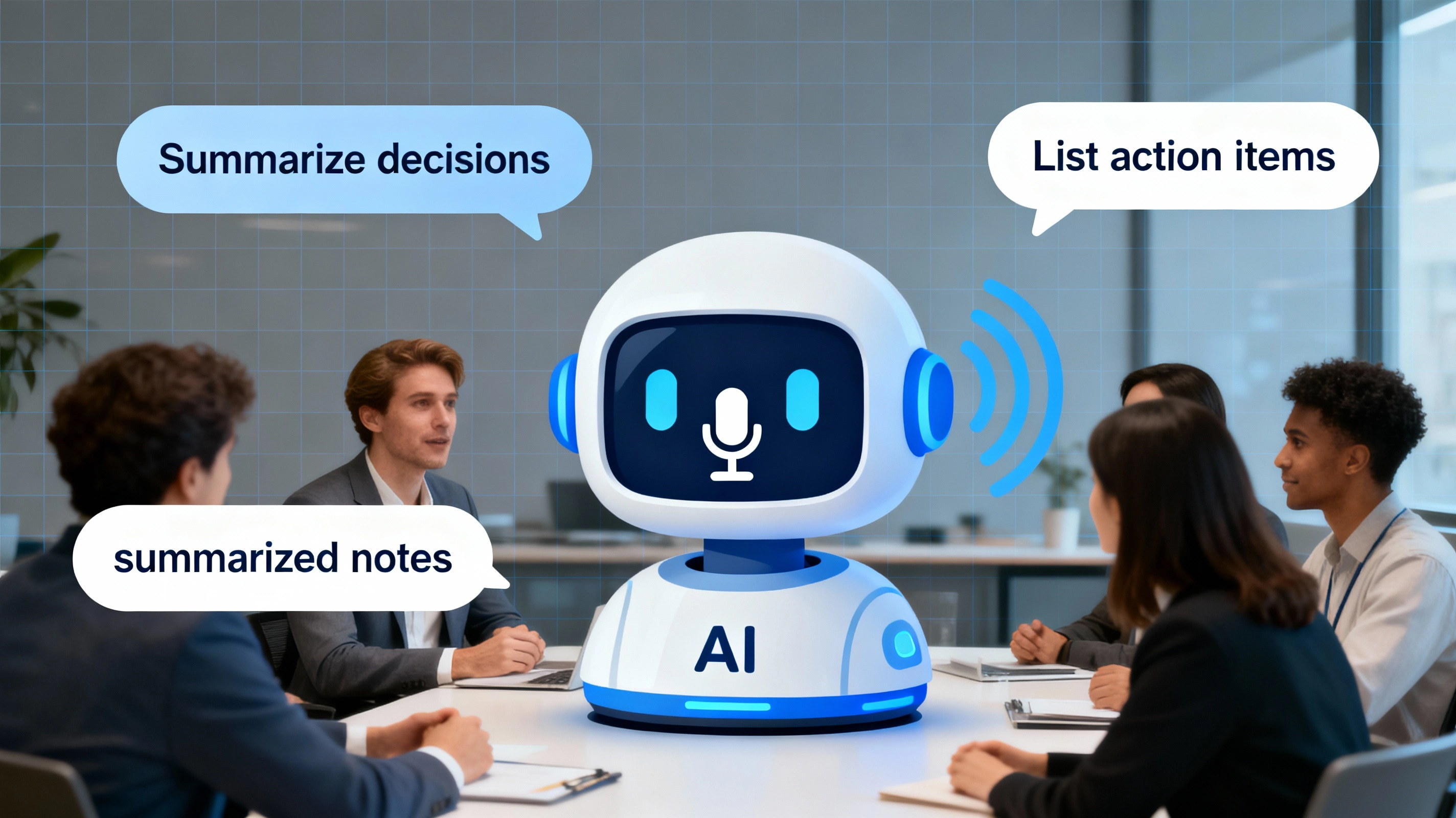
10 Prompts to Get the Most From Your AI Meeting Assistant
AI meeting assistants transform the way teams work, collaborate, and capture knowledge. Smart tools like Liznr record conversations, summarize everything you said, and make it easy to find later. The real power, though, comes from how you prompt the assistant. Ask better questions and you get smarter, more useful answers.
Liznr is built to feel like a teammate. Whether you work in sales, project management, product design, or client services, these prompts help you save hours, strengthen recall, and stay aligned.
Understand the Role of Prompts
A prompt is the question or instruction you give the AI assistant. On Microsoft Teams or any platform connected to Liznr, you can enter a prompt to generate summaries, extract decisions, or surface follow-up tasks.
Example: “Summarize today’s meeting into three key takeaways, extract action items with owners, and list deadlines.” With that prompt, Liznr returns exactly what you need in one structured result.
Read also: Best AI Meeting Assistants for 2025: Comprehensive Comparison
Benefits of Using AI Prompts for Meeting Transcripts
- Capture key information: Extract main ideas instantly without manual note-taking.
- Save time: Generate summaries and next steps in seconds instead of hours.
- Reduce errors: Keep decisions consistent and avoid losing context.
- Spot patterns: Identify recurring themes across multiple meetings.
- Boost teamwork: Share summaries so anyone can revisit discussions and stay aligned.
Prompts help you “program” the AI to focus on what matters most, turning transcripts into actionable knowledge.
Creating Accountability with Action-Focused Prompts
Prompts aren’t just for summaries—they drive accountability. By asking Liznr to identify action items, owners, and due dates, you convert conversations into workflows.
Example Prompt: “From this meeting, identify all action items, the assigned person, and the expected completion date.”
Liznr can then sync those tasks to Jira, Notion, Asana, or other tools so nothing falls through the cracks.
Top 10 Prompts to Get the Most from Your AI Meeting Assistant
Use these prompts right after a meeting to turn raw transcripts into clear, shareable outcomes.
- Prompt 1: “What are the key takeaways from this meeting?”
Capture the major points and decisions for anyone who missed the call. - Prompt 2: “Summarize the decisions made and the next steps.”
Focus on actions and future follow-ups, ensuring meetings lead to execution. - Prompt 3: “Summarize feedback provided by participants.”
Keep stakeholder input organized so responses are thoughtful and timely.
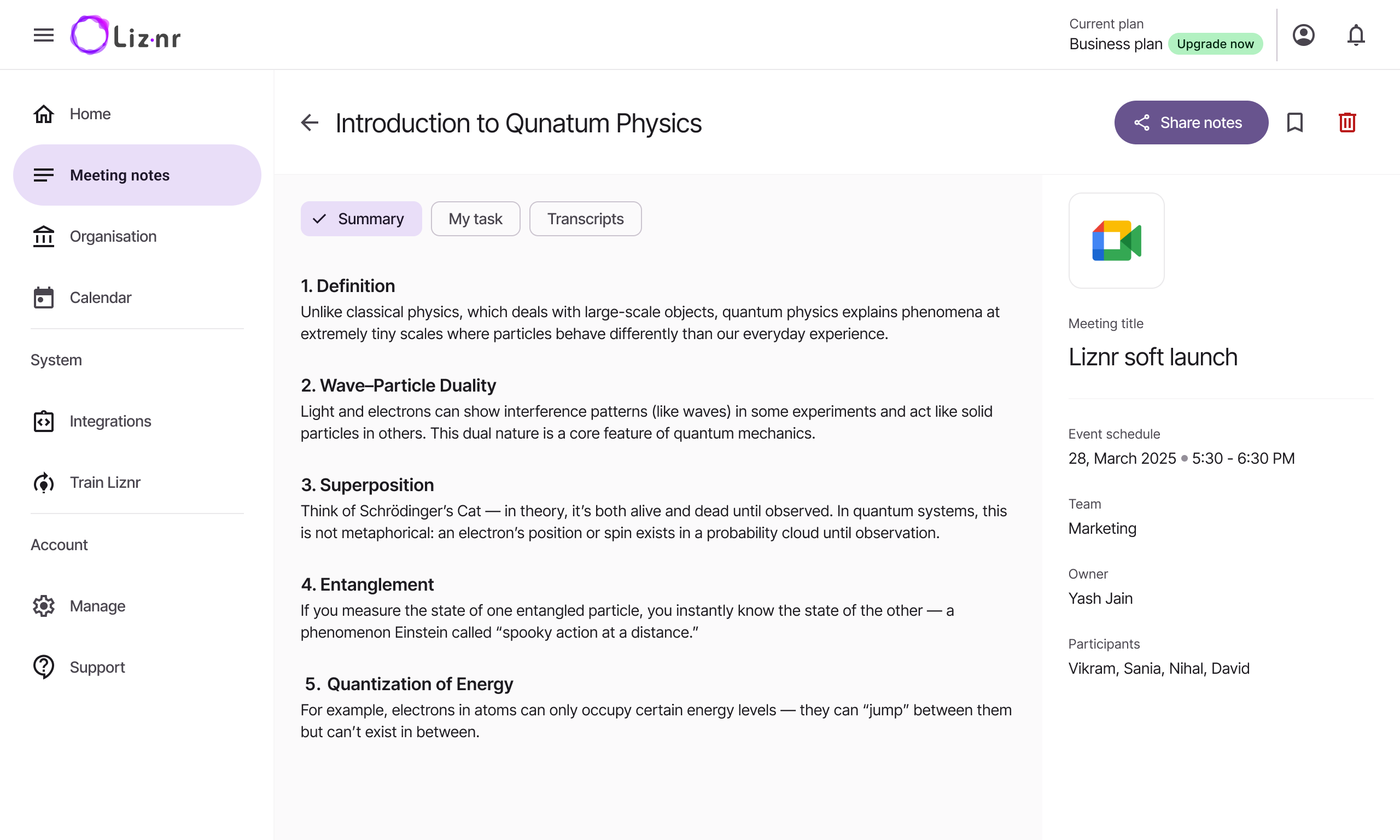
- Prompt 4: “Summarize the overall tone of the discussion (positive, neutral, or negative).”
Track morale and spot enthusiasm or burnout early. - Prompt 5: “Capture any follow-up items or responsibilities assigned.”
Reinforce clarity about post-meeting tasks. - Prompt 6: “Mention action items with the immediate next steps required for each task.”
Get granular guidance, such as “gather data,” “send invites,” or “revise campaign assets.”
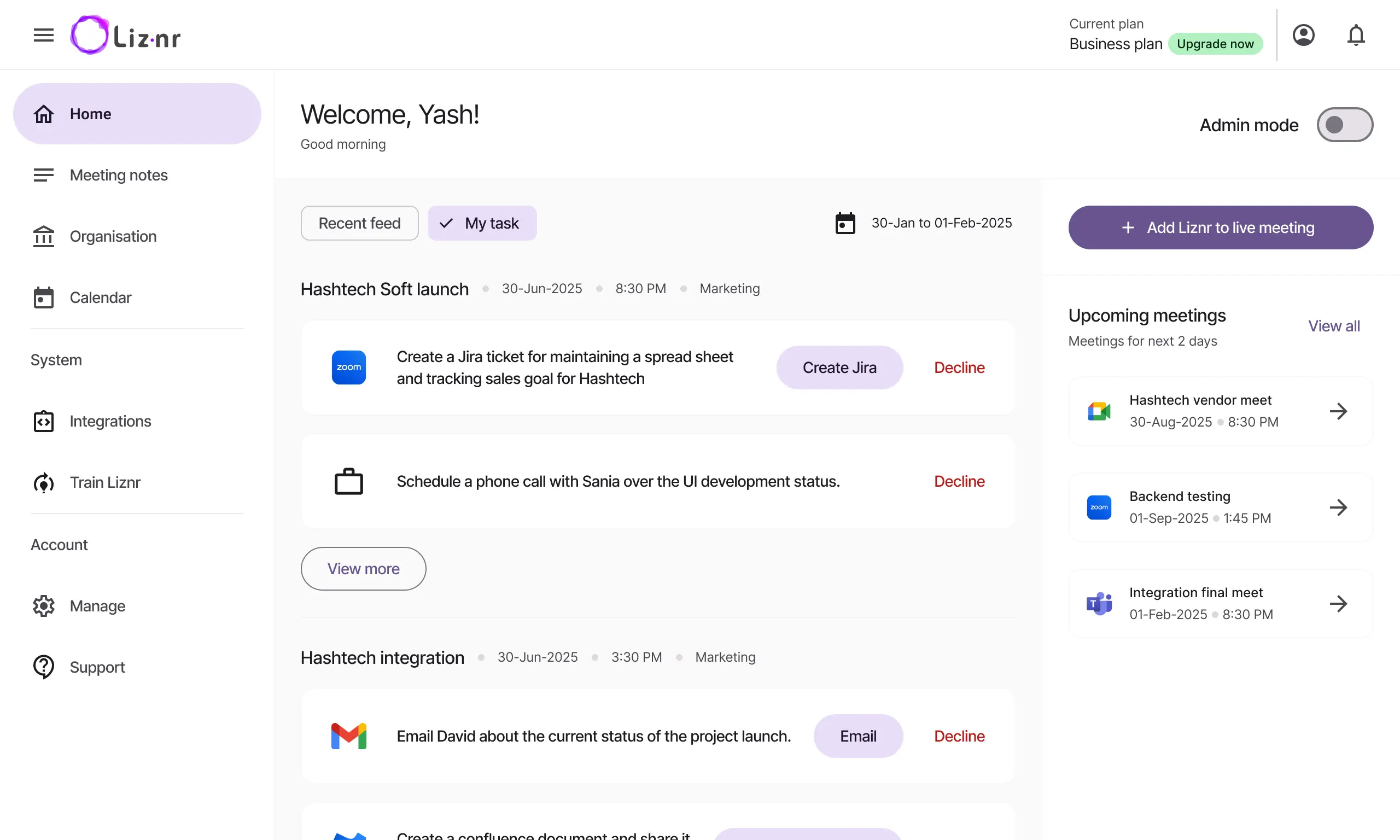
- Prompt 7: “List the important dates, deadlines, or timelines referenced as keywords, separated by commas.”
Quickly surface every time-sensitive commitment. - Prompt 8: “Generate a quiz or review questions based on this meeting.”
Great for training, onboarding, or reinforcing complex updates. - Prompt 9: “Compare this meeting’s summary to last week’s meeting.”
Track progress, highlight what changed, and document momentum. - Prompt 10: “What were the main challenges or concerns discussed?”
Surface blockers like delays, resource gaps, or communication issues.
Conclusion
With Liznr, summarizing meetings becomes effortless. Instead of rewriting notes, you can focus on moving projects forward. AI prompts let you extract insights, drive action, and make every meeting count. Use these 10 prompts to turn conversations into clear guidance and keep your team aligned.
Share:
Table of Contents
No headings found in this post
Unlock smarter meetings with AI. Explore Liznr for product updates, success stories & collaboration insights.


Useful links
liznr.ai Blog
Check out the Liznr blog for expert tips, inspiring customer stories, and smart strategies on productivity, remote work, and making the most of meetings.
Subscribe to Our Newsletter